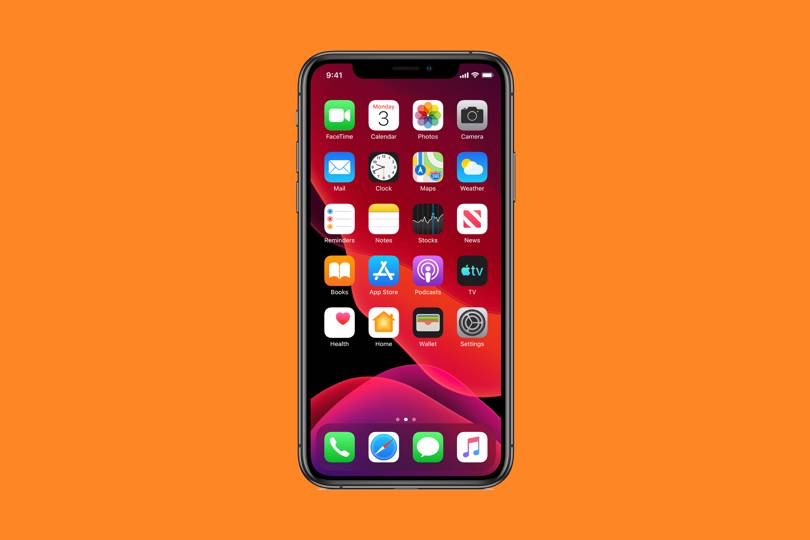
iOS 13 is finally out. The new mobile operating system(OS),which is available on the iPhone 6s and later models, enhances privacy with a new ‘Sign in with Apple’ feature for apps and some huge updates to the ever-improving Health app.
Even face-Id is 30 percent faster.Downloads, from the app store will now be 50 percent smaller in memory capacity.App launch speed is twice as fast in Ios13. Let see the new features that will transform yout Iphone.
1. Dark Mode
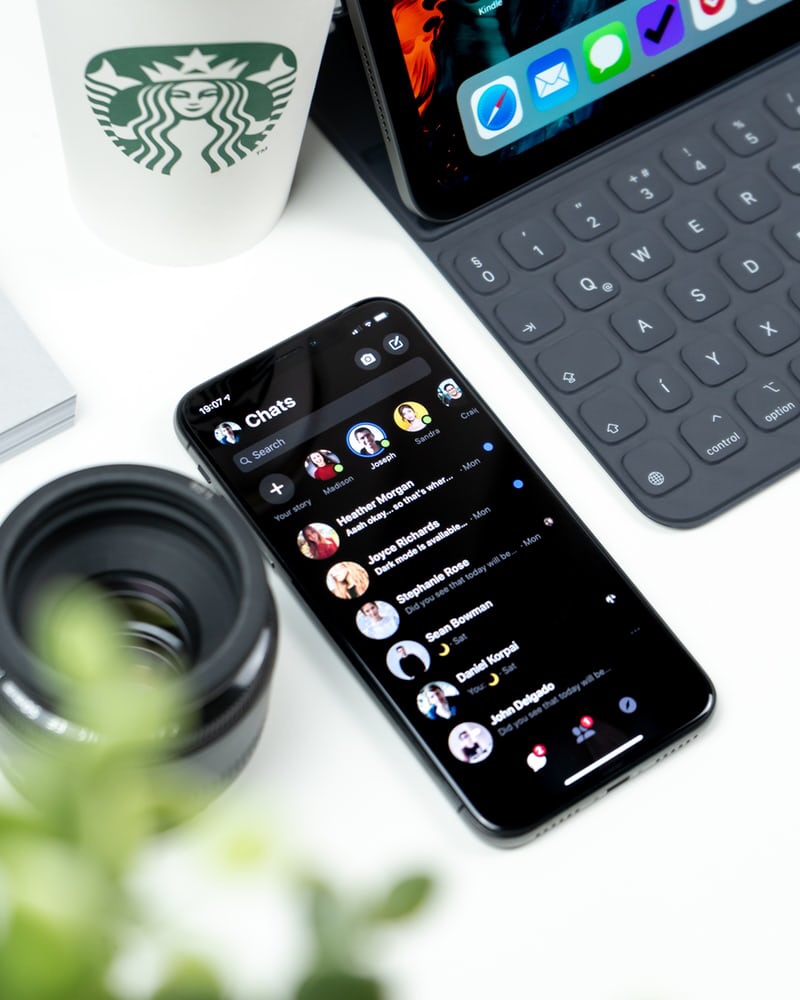
Dark mode on iOS includes the lockscreen, wallpaper, widgets, Apple News, Calendar, Notes, Messages, Music, Maps and Photos (including the Share Sheet) and Apple might not be first, but it sure looks pretty.
2. Siri Improvements Siri’s voice has changed, too. It’s now completely generated by Neural Text To Speech software, rather than clips of actors speaking. Apple says it’s more natural in longer, more complex utterances.
3. New iMessage,Mail and Notes features iMessage will now allow a profile picture (including emoji and Memoji) and display name.Memoji have some new make-up and accessory personalisation option.They are available on all devices with an A9 chip or later.There is an Swiftkey – style swipe keyboard called QuickPath.
4. Huge updates to the Health App The Health app now has more comprehensive tracking of menstrual cycles including period flow levels, symptoms and fertile window tracking, which brings it in line with the good work Fitbit has been doing with women’s health tracking.Apple reiterated that you can manage which apps you share your Apple Health data with.
5. Maps Improvements We know, Apple Maps hasn’t always been the best way to find what you’re looking for or to get from here to there. But the new, vastly more detailed mapping data is quickly rolling out across the U.S., along with design and feature updates in the Maps app itself. It’s worth taking another look. You may not feel like you need Google Maps anymore.
The steps to Update your iPhone or iPad Just go to Settings> General > Software Update. You’ll see the beta listed there.Download and install it just as you would any other iOS update.Your iPhone or iPad will restart, and you’re ready with your iOS13 version.

 Technology